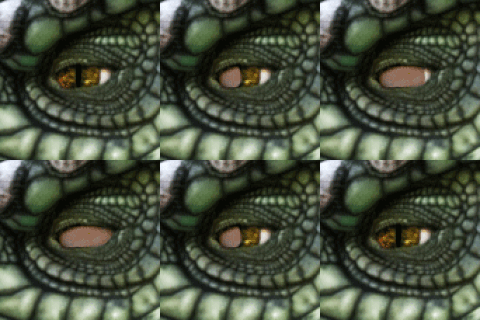
![[Shader] Pattern Blinking Shader](https://img5.illustratefans.com/storage/6/pf/sl/102843-019e8fbc-4948-7cf9-8ac7-ef2292a64eec.gif)

How to use?
1. In main game, chose a skin paint that you want it to blink, and make it in right position.
Make sure that this is no body overlay, because:
In Material:
MainTex = Skin Paint 01 + Skin Paint 02 + Body Overlay Texture(On the top of almost everything)
2. Enter Material Editor(Body)

3.Find the Material named "cf_m_skin_body_00" and then export "MainTex"
(Now you will get a transplant texture only with skin paint)

4.Find the Material named "cf_m_skin_body_00" and then click "Copy Material".
(It will copy this material and generate a new material below)

5. Find the Material named "cf_m_skin_body_00.MECopy01" and then switch to my blinking shader.

6.Find the Material named "cf_m_skin_body_00.MECopy01" and then import the "MainTex".

Some Important Parameters:
For Shader "GMCC/Pattern Normal Blinking"
Emissive Color = (LightColor * abs(EmissiveIntensity * sin(StartShift + TimeStamp * LightFreq)))
Download Link:
https://mega.nz/file/c6YFwLba#_sRytKwwEoSvLiG4zPVX660mUCHTtGzooYqBHIYtbJA